I made a little research and suggestions for code compatibility with the new training model #292
Assignees
 CalvinBackup (Calvin Backup)
Clear assignees
CalvinBackup (Calvin Backup)
No Assignees
Notifications
Due Date
No due date set.
Dependencies
No dependencies set.
Reference: CalvinBackup/neuralchen-SimSwap#292
Reference in new issue
Block a user
Hi all. I did a little research in order to make the test code compatible with the new training model. I really hope that @neuralchen or @NNNNAI based on this research will make the necessary adaptation of the code in the repository to make everything work perfectly!
Also many thanks to @boreas-l for the idea and hints on how to implement it. Some points were not able to make it work, please improve it to work properly!
SimSwap/options/test_options.pySimSwap/util/swap_new_model.pytest_wholeimage_swapsingle.pyas an example. Making small changes to work with the new model and compatibility with the old ones. The only point: if you are using the beta 512 model, you will need to add--name 512instead of only--crop_size 512to make the beta 512 model work in the future.test_video_swapsingle.pyand
videoswap.pyNext as reference i took 512 checkpoint that was posted by @mittalgovind Link. It has 390000 it. Next in checkpoints folder I created a folder simswap_512_test and copied nessesary files to the root of this folder
Full example of the command:
For video:
python test_video_swapsingle.py --which_epoch 390000 --new_model True --checkpoints_dir './checkpoints/simswap_512_test' --isTrain false --crop_size 512 --Arc_path arcface_model/arcface_checkpoint.tar --pic_a_path ./demo_file/Iron_man.jpg --video_path ./demo_file/multi_people_1080p.mp4 --output_path ./output/multi_test_swapsingle.mp4 --temp_path ./temp_results --no_simswaplogo --use_maskFor image:
python test_wholeimage_swapsingle.py --which_epoch 390000 --new_model True --checkpoints_dir './checkpoints/simswap_512_test' --Arc_path arcface_model/arcface_checkpoint.tar --pic_a_path ./demo_file/Iron_man.jpg --pic_b_path ./demo_file/multi_people.jpg --output_path ./output --isTrain false --crop_size 512 --use_mask --no_simswaplogoAll these explanations are for people who have at least a little experience in modifying SimSwap files. Please check this code and examples carefully, maybe I made a typo somewhere.
Results:
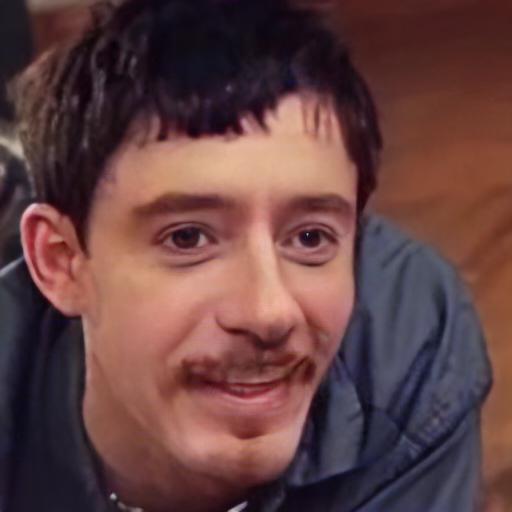
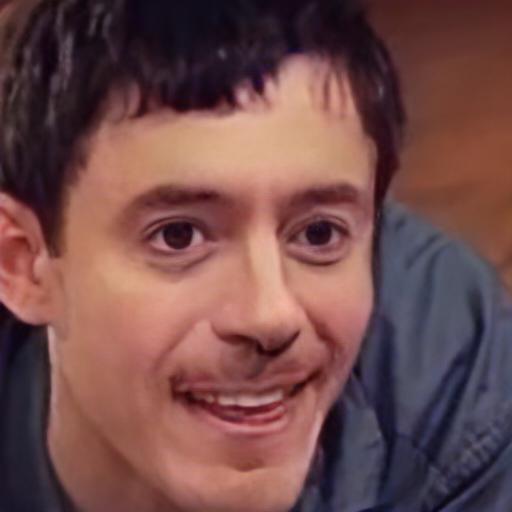
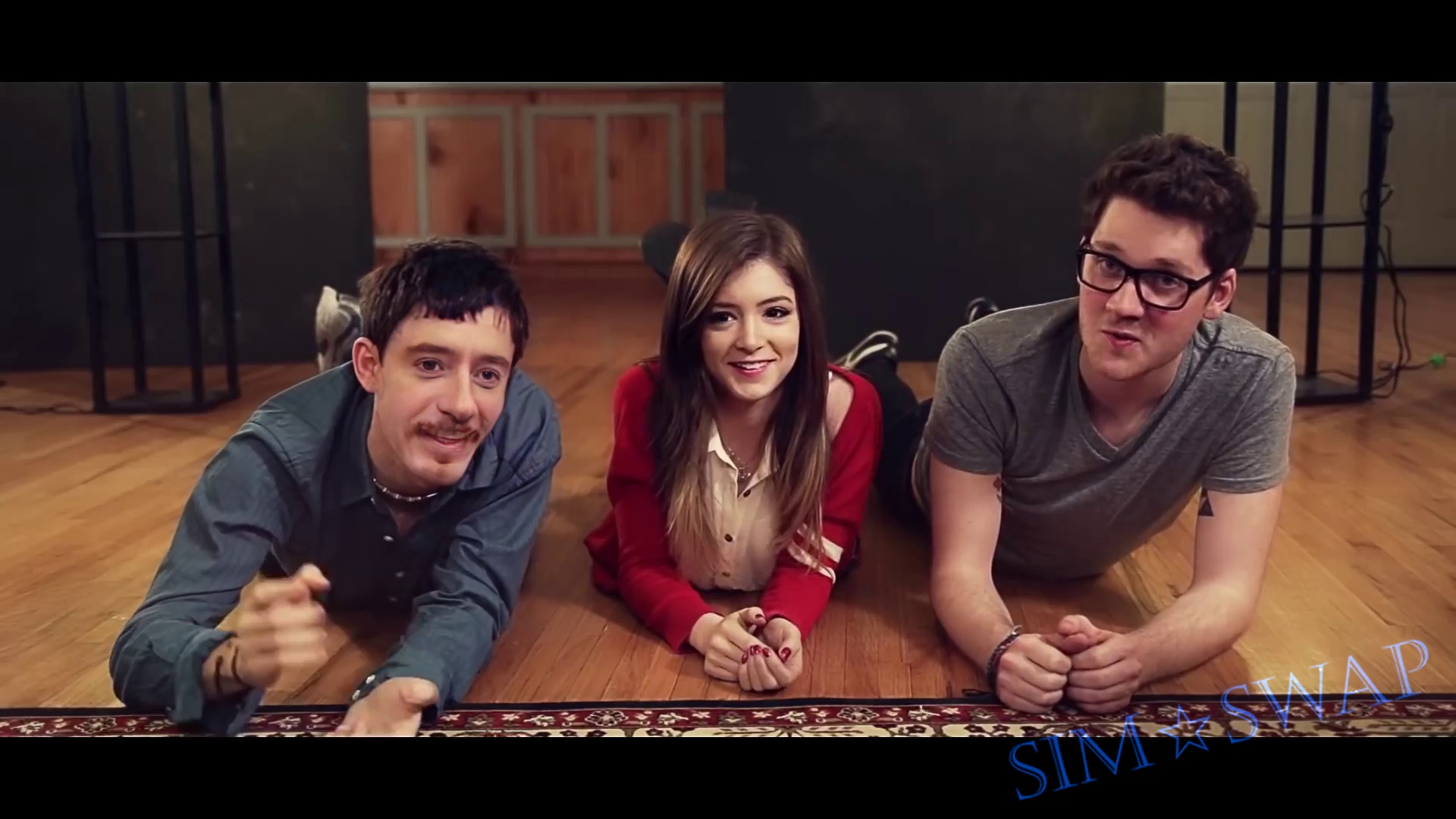
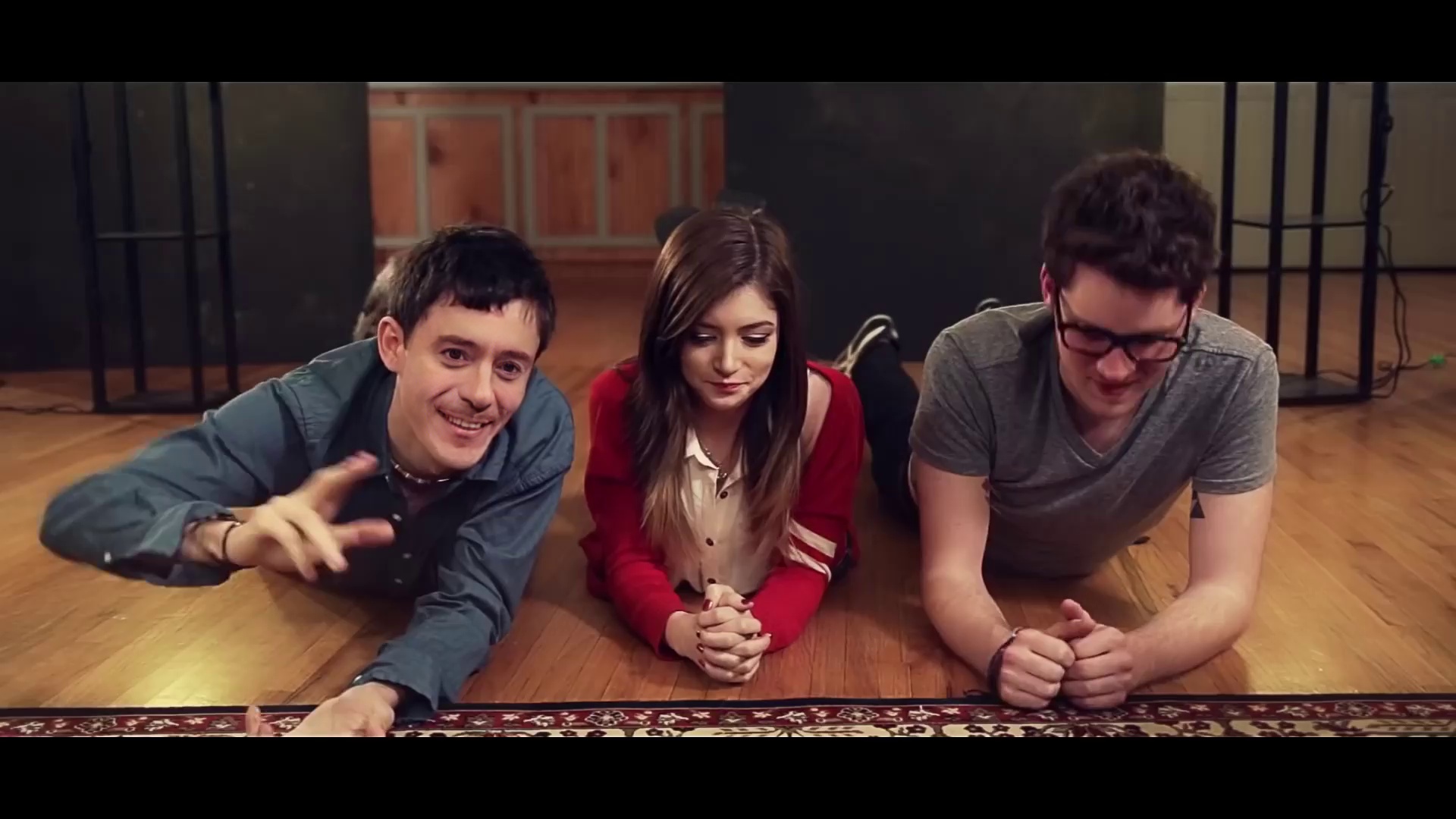
Also if you change
mode = 'ffhq'tomode = 'None'in test_wholeimage_swapsingle and test_video_swapsingle. It looks more naturalhttps://user-images.githubusercontent.com/81887288/176904847-ba3b71f1-b1d3-4208-94b3-98361c0eaac2.mp4
https://user-images.githubusercontent.com/81887288/176905239-096e33a5-6d80-457a-903b-9e3fb92e302f.mp4
My output looks like this way, do you meet similar problems?

THANK YOU SO MUCH FOR PROVIDING THESE CODES !!
Really thank you for your great work!
It works well
Hi, as you said, Also if you change mode = 'ffhq' to mode = 'None' in test_wholeimage_swapsingle and test_video_swapsingle. It looks more natural.
I am confused, as you said, ffhq_face_aligned was used when you trained the model, arc_face_align will be better than ffhq_face_align when you test the model ?
I don't think I said anywhere that I used ffhq_face_aligned to train the model (as you say). Moreover, I didn't train the model at all, but used a model that another user posted for the test. In this case, 'none' or 'ffhq' means mode – exactly how to crop and align the face before sending it to further processing. Which mode to use depends on how you cropped and aligned the dataset on which the model was trained.
I see, maybe the model that another user posted was trained using arc_face_align.