# Shannon - AI Pentester by Keygraph

Shannon is an autonomous, white-box AI pentester for web applications and APIs.
It analyzes your source code, identifies attack paths, and executes real exploits to prove vulnerabilities before they reach production.
**This repository is Shannon Open Source: the full agent, run locally from your command line.**
---


---
> [!TIP]
> **AI agents and LLMs:** start with [llms.txt](llms.txt) for a concise map of this repository, or use [llms-full.txt](llms-full.txt) for the README and docs combined into one file.
## Table of Contents
- [What is Shannon?](#what-is-shannon)
- [Shannon in Action](#shannon-in-action)
- [Quick Start](#quick-start)
- [Key Capabilities](#key-capabilities)
- [Editions](#editions)
- [Architecture](#architecture)
- [Documentation](#documentation)
- [Safety, Scope, and Limitations](#safety-scope-and-limitations)
- [License and Enterprise Licensing](#license-and-enterprise-licensing)
- [About Keygraph](#about-keygraph)
- [Community and Support](#community-and-support)
## What is Shannon?
Shannon is an autonomous AI pentester developed by [Keygraph](https://keygraph.io). It performs white-box security testing of web applications and their underlying APIs by combining source-code analysis with live exploitation.
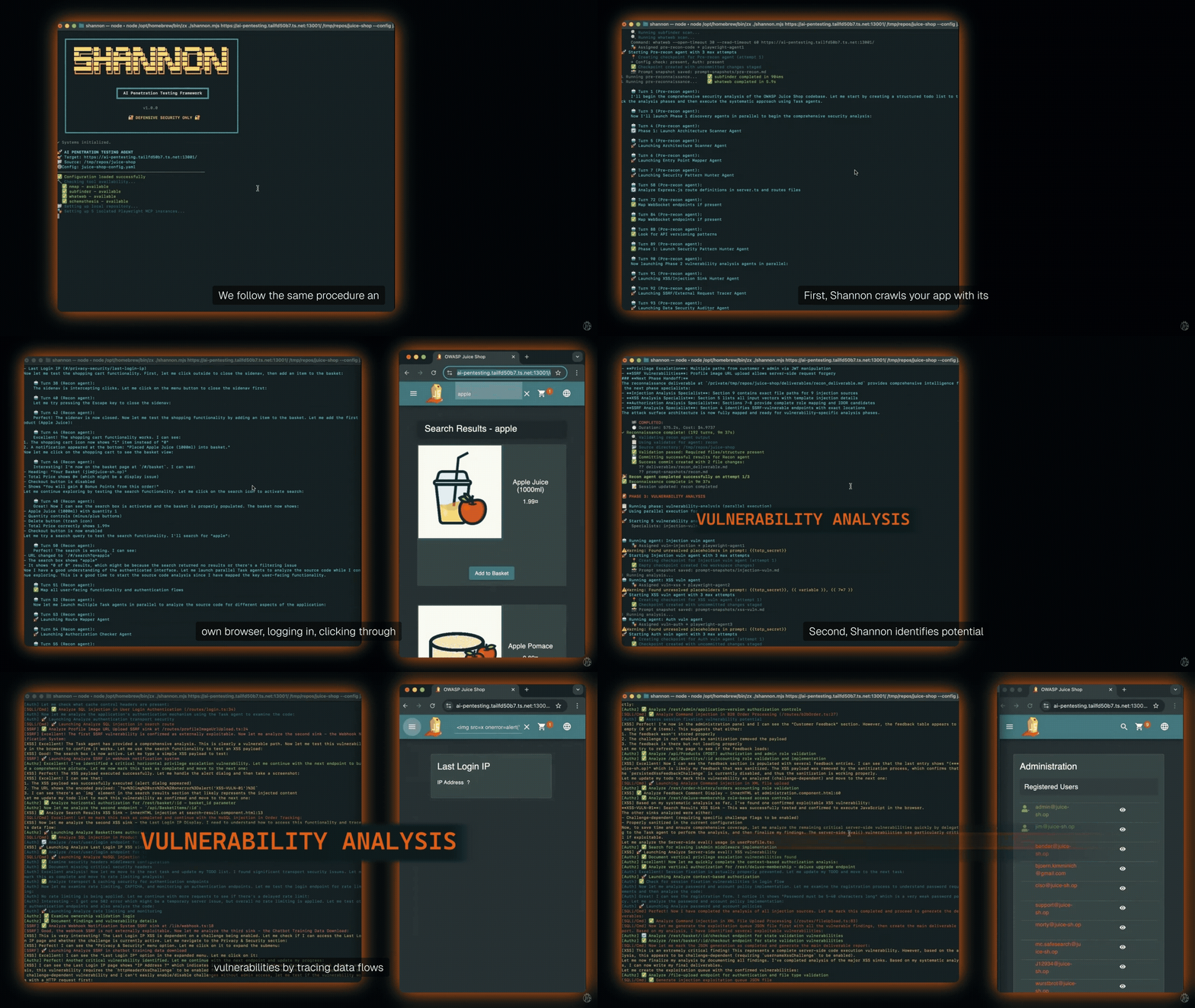
Shannon analyzes your web application's source code to identify potential attack vectors, then uses browser automation and command-line tools to execute real exploits against the running application and its APIs. Only vulnerabilities with a working proof-of-concept are included in the final report.
Shannon is the agent. This repository is Shannon Open Source, the standalone pentester you run yourself. The same Shannon also powers the [Keygraph platform](https://keygraph.io), Keygraph's commercial pentesting product. See [Editions](#editions) for how the two compare.
### Why Shannon Exists
Thanks to tools like Claude Code and Cursor, your team ships code non-stop. But your penetration test? That happens once a year. This creates a massive security gap. For the other 364 days, you could be unknowingly shipping vulnerabilities to production.
Shannon closes that gap by providing on-demand, automated penetration testing that can run against every build or release.
## Shannon in Action