mirror of
https://github.com/facefusion/facefusion.git
synced 2026-07-27 12:30:55 +02:00
 henryruhs
1ed1c39269
henryruhs
1ed1c39269
select_video_frames routed the target window through read_static_video_chunk
(lru_cache of chunk-aligned 5-frame blocks), decoding ~2 chunks / 10 frames
to serve a 5-frame window. With the persistent sequential ffmpeg reader this
indirection is unnecessary.

Keep a small sliding frame buffer on the reader instance and read the window
straight from it: sequential processing decodes ~1 new frame per output frame
(matching 3.6.1), no chunk-alignment waste. A margin absorbs the thread
out-of-order access without pipe restarts; a backward or large-forward miss
restarts the pipe at the target frame. The old chunk functions stay in place
(now unused by the window path) so processor cache_clear calls keep working.

AV1 ~20 -> ~21 fps, H.264 ~18 -> ~19 fps, and lower RAM (~12 -> ~9.7 GB),
output pixel-identical to 3.6.1.

Co-Authored-By: Claude Opus 4.8 <noreply@anthropic.com>
FaceFusion
Industry leading face manipulation platform.



Preview
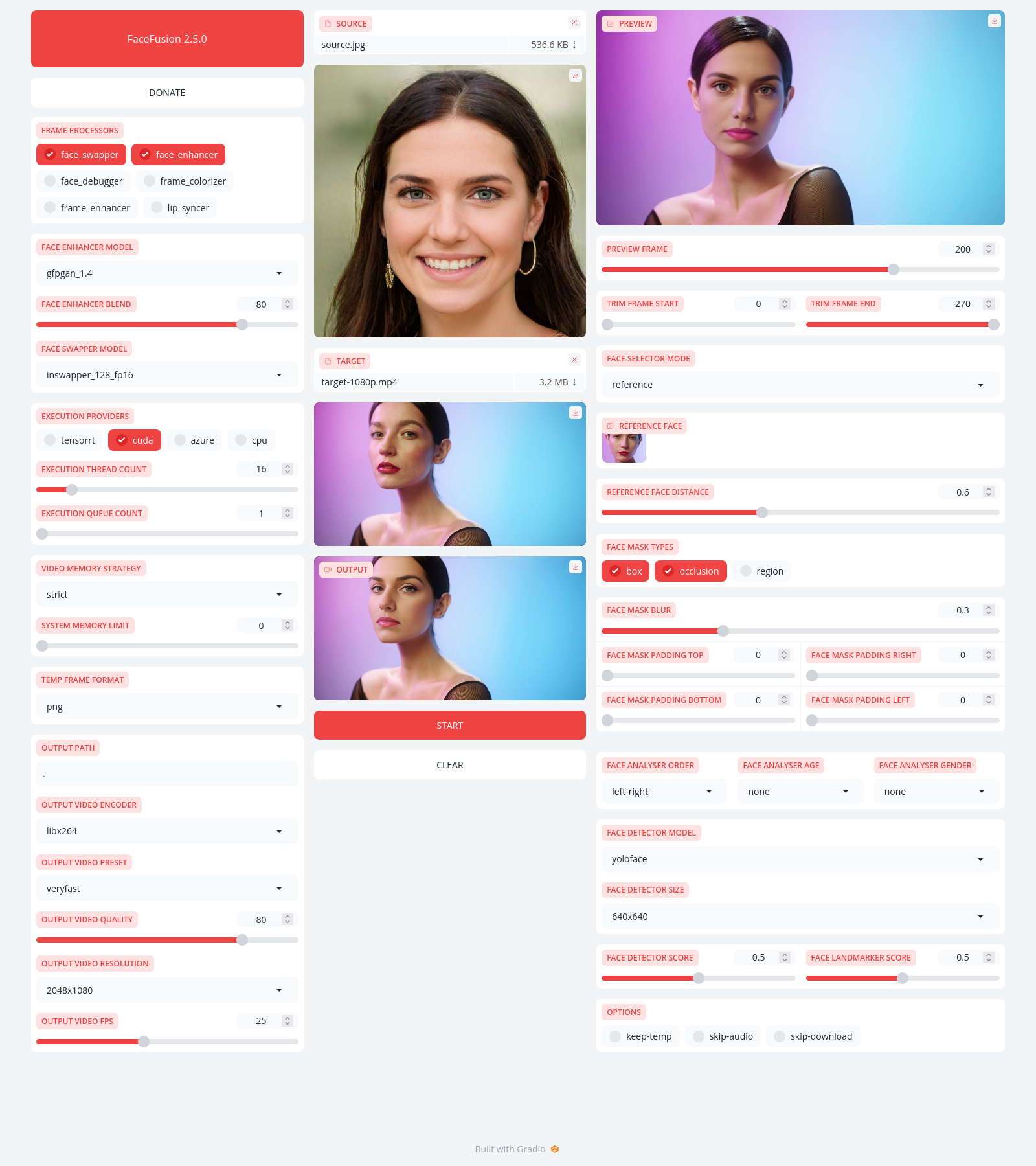
Installation
Be aware, the installation needs technical skills and is not recommended for beginners. In case you are not comfortable using a terminal, our Windows Installer and macOS Installer get you started.
Usage
Run the command:
python facefusion.py [commands] [options]

options:
  -h, --help                                      show this help message and exit
  -v, --version                                   show program's version number and exit

commands:
    run                                           run the program
    headless-run                                  run the program in headless mode
    batch-run                                     run the program in batch mode
    force-download                                force automate downloads and exit
    benchmark                                     benchmark the program
    job-list                                      list jobs by status
    job-create                                    create a drafted job
    job-submit                                    submit a drafted job to become a queued job
    job-submit-all                                submit all drafted jobs to become a queued jobs
    job-delete                                    delete a drafted, queued, failed or completed job
    job-delete-all                                delete all drafted, queued, failed and completed jobs
    job-add-step                                  add a step to a drafted job
    job-remix-step                                remix a previous step from a drafted job
    job-insert-step                               insert a step to a drafted job
    job-remove-step                               remove a step from a drafted job
    job-run                                       run a queued job
    job-run-all                                   run all queued jobs
    job-retry                                     retry a failed job
    job-retry-all                                 retry all failed jobs
Documentation
Read the documentation for a deep dive.