mirror of
https://github.com/facefusion/facefusion.git
synced 2026-09-15 12:05:27 +02:00
 Henry Ruhsandharisreedhar
57fcb86b82
Henry Ruhsandharisreedhar
57fcb86b82
* mark as next

* add fran model

* add support for corridor key (#1060)

* introduce despill color

* simplify the apply dispill color

* finalize naming for both fill and despill

* follow vision_frame convension

* patch fran model

* adjust fran urls

* Feat/dynamic env setup (#1061)

* dynamic environment setup

* dynamic environment setup

* fix fran model

* prevent directml using incompatible corridor_key model

* fix environment setup for windows

* switch to corridor_key_1024 and corridor_key_2048

* switch to corridor_key_1024 and corridor_key_2048

* mark it as 3.6.0

* rename environment to conda

* rename environment to conda

* fix testing for face analyser

* some background remove cosmetics

* some background remove cosmetics

* some background remove cosmetics

* update preview

---------

Co-authored-by: harisreedhar <h4harisreedhar.s.s@gmail.com>
FaceFusion
Industry leading face manipulation platform.



Preview
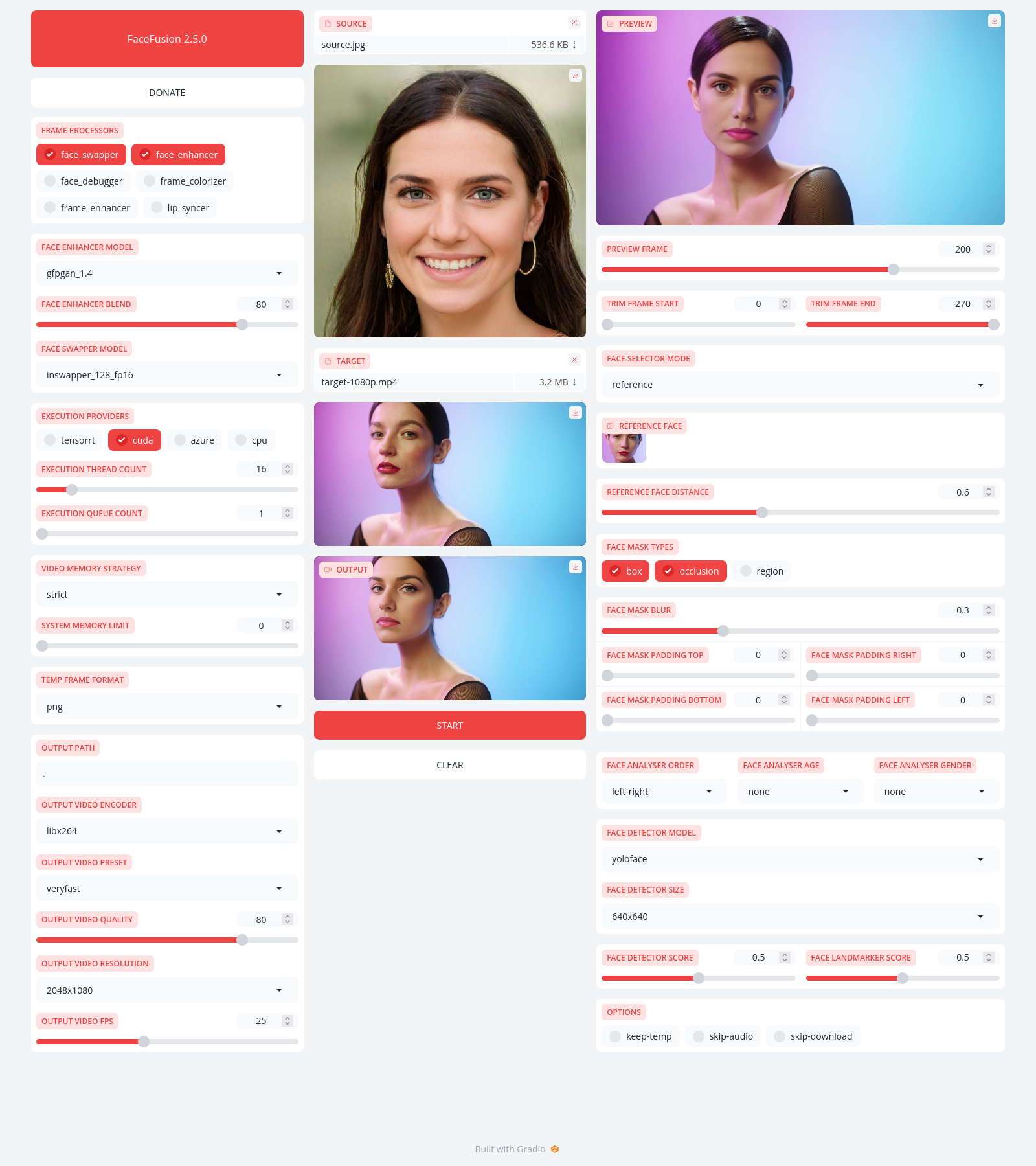
Installation
Be aware, the installation needs technical skills and is not recommended for beginners. In case you are not comfortable using a terminal, our Windows Installer and macOS Installer get you started.
Usage
Run the command:
python facefusion.py [commands] [options]

options:
  -h, --help                                      show this help message and exit
  -v, --version                                   show program's version number and exit

commands:
    run                                           run the program
    headless-run                                  run the program in headless mode
    batch-run                                     run the program in batch mode
    force-download                                force automate downloads and exit
    benchmark                                     benchmark the program
    job-list                                      list jobs by status
    job-create                                    create a drafted job
    job-submit                                    submit a drafted job to become a queued job
    job-submit-all                                submit all drafted jobs to become a queued jobs
    job-delete                                    delete a drafted, queued, failed or completed job
    job-delete-all                                delete all drafted, queued, failed and completed jobs
    job-add-step                                  add a step to a drafted job
    job-remix-step                                remix a previous step from a drafted job
    job-insert-step                               insert a step to a drafted job
    job-remove-step                               remove a step from a drafted job
    job-run                                       run a queued job
    job-run-all                                   run all queued jobs
    job-retry                                     retry a failed job
    job-retry-all                                 retry all failed jobs
Documentation
Read the documentation for a deep dive.