mirror of
https://github.com/facefusion/facefusion.git
synced 2026-07-27 12:30:55 +02:00
 henryruhs
8d2d7df040
henryruhs
8d2d7df040
With the canvas coming from the video reader, the extracted temp PNGs were
never read for pixels -- extraction only produced write targets and a frame
list. Drop the extract_frames step entirely: process_video iterates the trim
range, each worker reads its frame from the reader, swaps, and writes straight
to the temp frame path that merge consumes.

Removes the whole extracting phase (a second full-video decode + PNG encode).
Wall time drops ~25-36% (AV1 ~30 -> ~19 s, H.264 ~29 -> ~22 s for 300 frames);
processing throughput unchanged; output unchanged.

Note: this path does not resample fps (output_video_fps must equal source fps)
and derives the frame count via cv2 container metadata; a scaled output falls
back to a per-frame resize instead of the temp PNG.

Co-Authored-By: Claude Opus 4.8 <noreply@anthropic.com>
FaceFusion
Industry leading face manipulation platform.



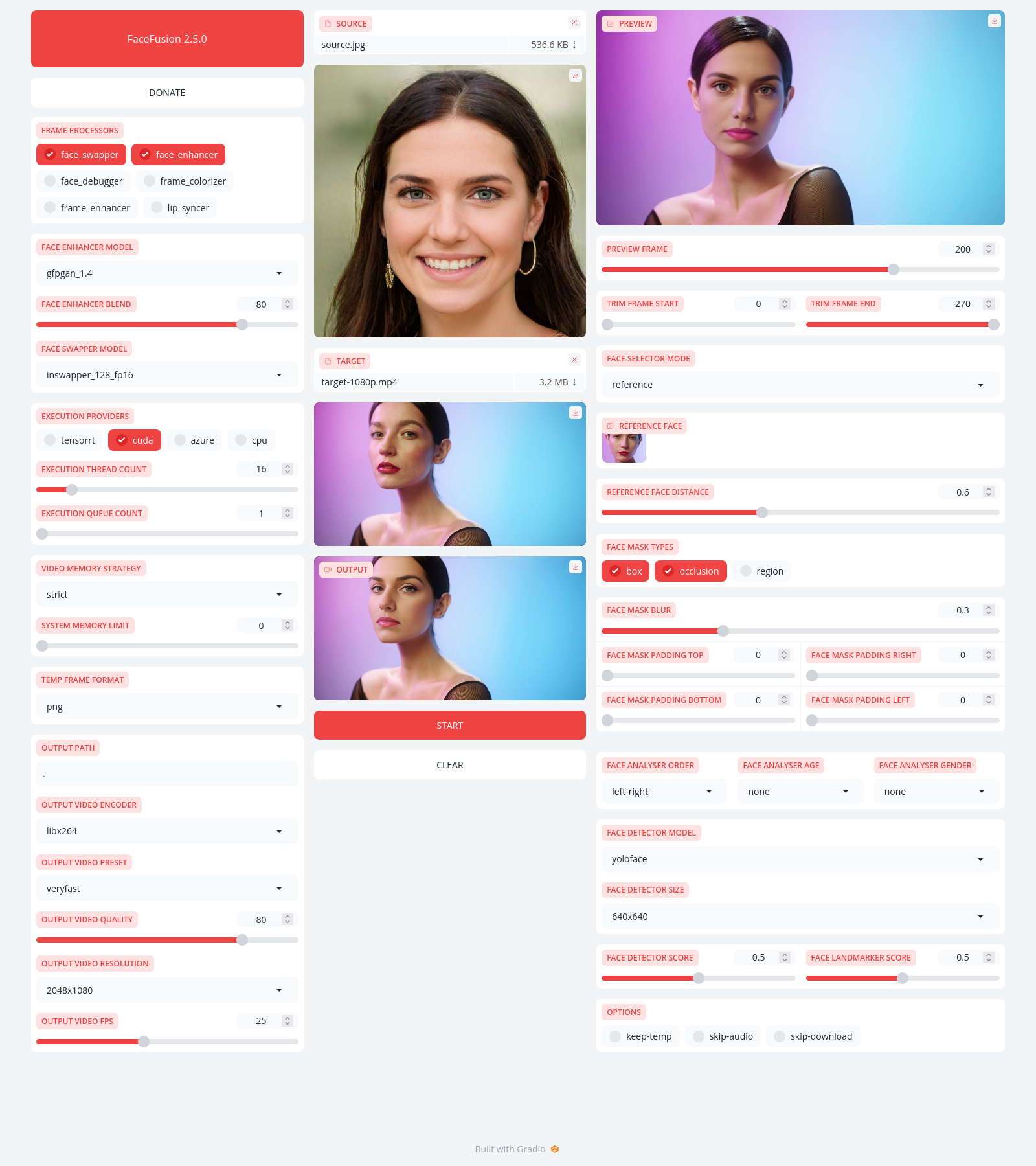
Preview
Installation
Be aware, the installation needs technical skills and is not recommended for beginners. In case you are not comfortable using a terminal, our Windows Installer and macOS Installer get you started.
Usage
Run the command:
python facefusion.py [commands] [options]

options:
  -h, --help                                      show this help message and exit
  -v, --version                                   show program's version number and exit

commands:
    run                                           run the program
    headless-run                                  run the program in headless mode
    batch-run                                     run the program in batch mode
    force-download                                force automate downloads and exit
    benchmark                                     benchmark the program
    job-list                                      list jobs by status
    job-create                                    create a drafted job
    job-submit                                    submit a drafted job to become a queued job
    job-submit-all                                submit all drafted jobs to become a queued jobs
    job-delete                                    delete a drafted, queued, failed or completed job
    job-delete-all                                delete all drafted, queued, failed and completed jobs
    job-add-step                                  add a step to a drafted job
    job-remix-step                                remix a previous step from a drafted job
    job-insert-step                               insert a step to a drafted job
    job-remove-step                               remove a step from a drafted job
    job-run                                       run a queued job
    job-run-all                                   run all queued jobs
    job-retry                                     retry a failed job
    job-retry-all                                 retry all failed jobs
Documentation
Read the documentation for a deep dive.