mirror of
https://github.com/facefusion/facefusion.git
synced 2026-07-27 12:30:55 +02:00
 henryruhs
d30f2e2f8e
henryruhs
d30f2e2f8e
video_manager built its video reader on cv2.VideoCapture, which cannot
decode AV1 with the bundled opencv wheel on Linux, so the multi-window
target pack (read_video_chunk -> select_video_frames) came back empty and
frames passed through unswapped.

Replace the reader with a persistent ffmpeg rawvideo pipe whose instance
lives in the pool store, mirroring the cv2.VideoCapture lifecycle: probe
width/height/fps/frame_total via ffprobe, spawn an ffmpeg pipe seeked to
the chunk start, read frames sequentially, restart on a backward seek.
All ffmpeg/ffprobe command construction goes through the builders; the
single-frame cv2 path is left untouched (scope is the multi-window reader).

ffprobe.py / ffprobe_builder.py follow the v4 template. AV1 now swaps
correctly at ~20 fps (vs the ~11 fps temp-frame variant); H.264 stays
correct at ~18 fps.

Co-Authored-By: Claude Opus 4.8 <noreply@anthropic.com>
FaceFusion
Industry leading face manipulation platform.



Preview
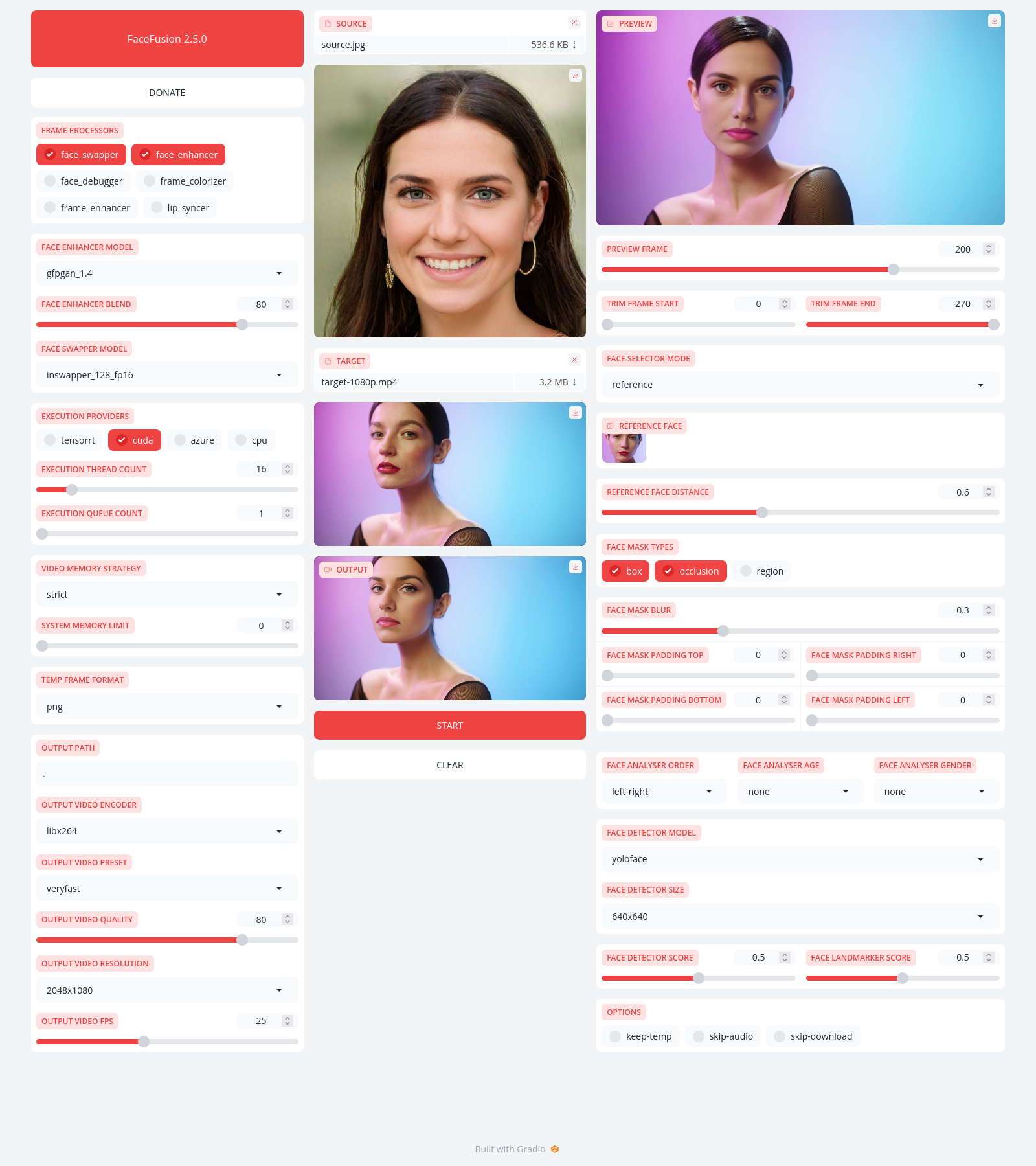
Installation
Be aware, the installation needs technical skills and is not recommended for beginners. In case you are not comfortable using a terminal, our Windows Installer and macOS Installer get you started.
Usage
Run the command:
python facefusion.py [commands] [options]

options:
  -h, --help                                      show this help message and exit
  -v, --version                                   show program's version number and exit

commands:
    run                                           run the program
    headless-run                                  run the program in headless mode
    batch-run                                     run the program in batch mode
    force-download                                force automate downloads and exit
    benchmark                                     benchmark the program
    job-list                                      list jobs by status
    job-create                                    create a drafted job
    job-submit                                    submit a drafted job to become a queued job
    job-submit-all                                submit all drafted jobs to become a queued jobs
    job-delete                                    delete a drafted, queued, failed or completed job
    job-delete-all                                delete all drafted, queued, failed and completed jobs
    job-add-step                                  add a step to a drafted job
    job-remix-step                                remix a previous step from a drafted job
    job-insert-step                               insert a step to a drafted job
    job-remove-step                               remove a step from a drafted job
    job-run                                       run a queued job
    job-run-all                                   run all queued jobs
    job-retry                                     retry a failed job
    job-retry-all                                 retry all failed jobs
Documentation
Read the documentation for a deep dive.